WhatsApp Selling for Social-First Brands

In the Gulf, the checkout button is a WhatsApp chat. How to build swipe-to-WhatsApp funnels, catalogs and reply scripts that close.
The Gulf checkout button is a chat bubble
Ask a boutique in Riyadh or a home bakery in Kuwait where their sales close, and the answer is rarely a website cart. It is WhatsApp. Across the Gulf, buyers discover products on Instagram, Snapchat and TikTok, then move the conversation to WhatsApp to ask about sizes, confirm delivery and pay by transfer or cash on arrival. The chat is not a customer-service channel bolted onto a store — for many social-first brands, the chat is the store.
This changes what your social content must do. A Western funnel optimizes for link clicks to a product page; a Gulf funnel optimizes for one action — opening a WhatsApp chat — and everything upstream exists to make that tap feel safe and obvious.
Building the swipe-to-WhatsApp funnel
The funnel has three short steps. First, the story or Reel shows one product in use — not a catalog collage — with the price stated plainly. Hiding prices behind «DM for price» costs you the majority of buyers, who read silence on price as a luxury markup. Second, the call to action names the exact next step: «Order on WhatsApp — link in bio» works because it removes ambiguity. Third, the wa.me link opens a chat pre-filled with a message like «I saw the blue abaya on your story», so the customer never faces a blank text box.
On Snapchat — still the Gulf’s highest-intent story audience, as we covered in Snapchat: the Gulf’s underrated sales channel — attach the link directly to the story. On Instagram, use the link sticker for stories and keep a permanent wa.me link in the bio. Measure taps per thousand views weekly; a healthy product story converts 8–20 taps per 1,000 views, and anything under 3 usually means the price or the next step was unclear.
- One product shown in use, with the price stated plainly — never «DM for price».
- A call to action that names the next step: «Order on WhatsApp — link in bio».
- A wa.me link that opens a chat pre-filled with the product name, so the buyer never faces a blank box.
Set up WhatsApp Business like a shop, not a phone
The free WhatsApp Business app turns the chat into a storefront if you use all of it. Fill the business profile completely: logo, category, working hours, delivery area and a one-line Arabic description. Then build the catalog — every product gets a clean photo, a name, a firm price and a two-line description. When a customer asks «what else do you have?», you send a catalog card instead of typing a list, and the conversation stays inside one thread.
Three settings do disproportionate work. A greeting message answers within a second at 2 AM, when much of the Gulf actually shops. An away message with your reply window stops the «are you there??» spiral. And labels — New Order, Awaiting Payment, Shipped — turn a chaotic inbox into a pipeline you can read at a glance. A boutique handling 30 conversations a day can run its entire operation on these three features and a bank transfer screenshot.
- Greeting message — answers within a second, even at 2 AM.
- Away message — states your reply window and stops the «are you there??» spiral.
- Labels — New Order, Awaiting Payment, Shipped — turn a chaotic inbox into a pipeline.
Reply scripts that close instead of chat
Most WhatsApp sales die of slowness or vagueness, not rejection. Save quick replies for the five messages you send most. Price question: state the price, the delivery fee and the delivery day in one message — three questions answered before they are asked. Availability: «Available — shall I reserve it for you until tonight?» adds a soft deadline without pressure. Payment: send transfer details plus a one-line confirmation of what happens after the screenshot arrives.
Tone matters as much as speed. Gulf customers write in dialect and expect a person, not a bot — mirror their register, use their name once, and confirm the order back in full («One blue abaya, size 54, delivery to Jubail Thursday, 340 SAR total»). That single confirmation message prevents most disputes and reads as professionalism, not formality. Aim to answer within 15 minutes during your stated hours; after an hour, close rates fall off a cliff.
- On «how much?» send price, delivery fee and delivery day in one message — three answers before three questions.
- On «is it available?» reply «Available — shall I reserve it until tonight?» to add a soft deadline without pressure.
- On «how do I pay?» send transfer details plus one line on what happens after the screenshot arrives.
- Close by reading the order back in full — «One blue abaya, size 54, Jubail Thursday, 340 SAR» — to prevent disputes.

Your profile is the storefront window
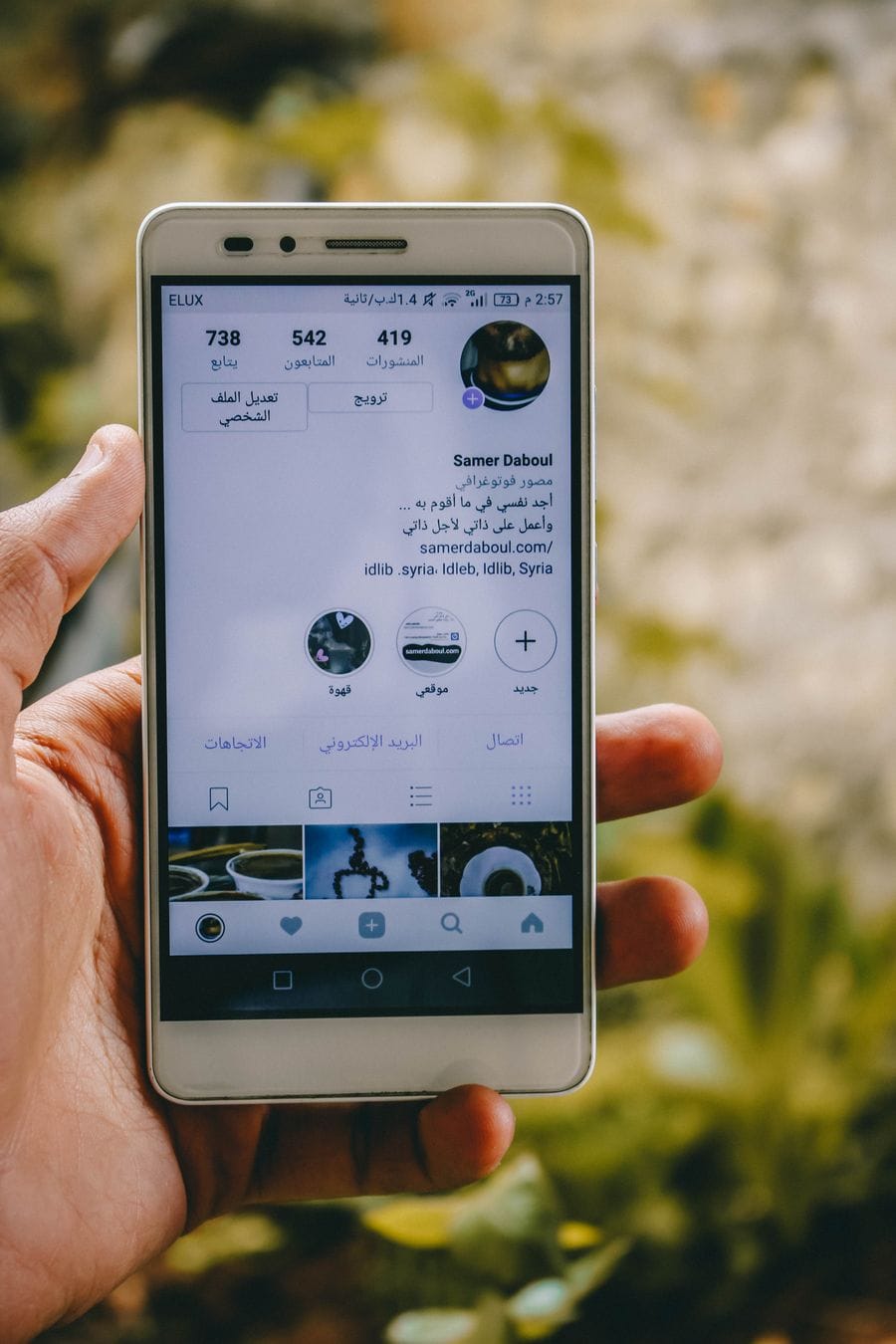
Here is the step most guides skip: before a Gulf buyer taps your WhatsApp link, they audit your social profile the way they would glance through a shop window. A thin grid, a two-digit follower count and posts with no engagement all whisper the same question — is this shop real? Buyers know that messaging a stranger on WhatsApp means sharing their number and often paying by transfer before delivery, so the credibility check happens upstream, on the profile.
Fix the storefront in order. Nine grid posts that show products, packaging and customer stories; a bio that states what you sell, where you deliver and the WhatsApp link; then a follower baseline past the nearest round threshold so the one-second trust check passes. A gradual Instagram followers package handles that baseline while your content and reviews earn the rest — the psychology behind that snap judgment is covered in First impressions: profile psychology.
A credible follower baseline helps the one-second trust check pass before buyers ever tap your WhatsApp link.
View Instagram FollowersA worked example: 1,000 story views to first orders
Put the numbers together for a small abaya brand. A story sequence reaching 1,000 views with a clear price and a pre-filled link yields roughly 10–15 WhatsApp chats. With saved replies and a 15-minute response window, a third of those chats typically become confirmed orders — call it 4 sales. At a 120 SAR average margin, one good story sequence pays for a month of content production. Now the levers are visible: more story views, a higher tap rate, or a better chat-to-order rate.
Work the levers separately. Reach is the slowest to grow organically — consistent posting plus timed visibility support such as Snapchat story views keeps the top of the funnel full while your audience compounds (see how it works for delivery details). Tap rate improves with clearer prices and single-product stories. Chat conversion improves with faster, warmer scripts. Change one lever per week and track it in a simple three-column sheet: views, chats, orders.
Reach is the slowest lever to grow — timed story visibility keeps the top of the funnel full while your audience compounds.
View Snapchat Story ViewsMistakes that quietly kill WhatsApp sales
Four patterns come up again and again. Answering «how much?» with «check the story» — the customer already left the story; repeat the price. Using a personal number instead of WhatsApp Business — you lose the catalog, labels and greeting, and the profile looks improvised. Negotiating in the open when a customer haggles — hold your price and offer a bundle instead. And going silent after payment: a photo of the packed order before shipping costs nothing and turns one-time buyers into the story-mentioning repeat customers that Gulf commerce runs on.
Frequently asked questions
How do I add a WhatsApp link to my Instagram bio?
Use the wa.me format: wa.me/ followed by your full number with country code, no plus sign or leading zeros. Add ?text= with a URL-encoded message to pre-fill the chat. Paste it in the bio’s website field, or use Instagram’s native WhatsApp button from professional account settings.
Should I show prices on social media or say «DM for price»?
Show prices. Hidden prices filter out most ready-to-buy customers, who assume the silence means expensive, and they fill your inbox with price-only chats that rarely convert. Stated prices mean every WhatsApp chat you receive starts closer to a sale — the question becomes size, color or delivery, not cost.
Is WhatsApp Business free for small shops?
Yes — the WhatsApp Business app is free and covers everything a small shop needs: business profile, product catalog, quick replies, greeting and away messages, and labels for order stages. The paid WhatsApp Business Platform (API) only becomes relevant when you need multiple agents or automation at serious volume.
How fast should I reply to WhatsApp orders?
Within 15 minutes during your stated working hours. Gulf shoppers often message several sellers at once, and the first complete answer — price, delivery fee and delivery day in one message — usually wins the order. After an hour, many buyers have already paid a competitor. Greeting and away messages buy you patience outside those hours.
Why do customers open a WhatsApp chat and never reply?
Usually one of three causes: your reply arrived late, your answer raised a new unanswered question (delivery fee, payment method), or your social profile failed the trust check they ran after messaging you. Audit all three — and send one polite follow-up after 24 hours; it recovers a meaningful share of quiet chats.
Do I need a website if I sell through WhatsApp in the Gulf?
Not at the start. A complete social profile plus a WhatsApp Business catalog covers discovery, browsing and ordering for most small Gulf brands. Add a website when you need card payments, formal invoicing or ad landing pages — and even then, keep the WhatsApp path open, because many Gulf customers will still prefer it.