YouTube Watch Time: How to Increase It

The recommender optimizes for minutes, not clicks. Retention editing, chapters, open loops and how to read the dips in your graph.
Why watch time beats views
YouTube sells advertiser minutes, so its recommender optimizes for one thing above all: how long a session lasts. A view is a click; watch time is proof the click was worth it. Between two videos with 10,000 views each, the one holding viewers for six minutes will be recommended over the one losing them at ninety seconds — every time, regardless of subscriber counts. Understand that trade and half of "the algorithm" stops being mysterious.
This also reframes what a "good" video is. A 4-minute video watched to 70% delivers 2.8 minutes; a 15-minute video watched to 30% delivers 4.5. Long videos are not automatically better — but a long video that holds is the strongest asset a channel can own, which is why everything below is about holding.
Two metrics to track weekly in YouTube Studio: average view duration (the minutes a typical viewer gives you) and average percentage viewed (how much of the video that represents). Duration tells you what you feed the recommender; percentage tells you whether the video length was honest. Watch both move as you apply the techniques below — they respond within a handful of uploads.
| Video length | Average % viewed | Minutes delivered |
|---|---|---|
| 4 minutes | 70% | ≈ 2.8 min |
| 15 minutes | 30% | ≈ 4.5 min |
| 8 minutes | 55% | ≈ 4.4 min |
| 15 minutes (padded idea) | 20% | ≈ 3.0 min — length backfires |

The first 30 seconds: confirm the click
The steepest drop in every retention graph happens before second 30, and it has one cause: the video did not immediately confirm what the thumbnail promised. The fix is mechanical. Restate the promise in the first sentence, show visual proof it will be delivered (the finished dish, the before/after, the result on screen), and cut everything that stands between the viewer and that confirmation — channel intros, logo animations, "welcome back to the channel." A viewer who survives the first 30 seconds is dramatically more likely to survive the next five minutes.
A worked example. Weak opening: "Hi everyone, welcome back — today, as you asked in the comments, we’ll finally talk about lighting." Strong opening: "This whole video was shot with one 90-riyal lamp — here’s the footage, and here’s how to place it." Same topic, but the second version confirms the click in eight seconds and shows the proof before asking for a single minute of trust.
- Restate the thumbnail’s promise in your very first sentence.
- Show visual proof the payoff is coming — the result on screen.
- Cut channel intros, logo stings and “welcome back.”
Retention editing: cut for the impatient
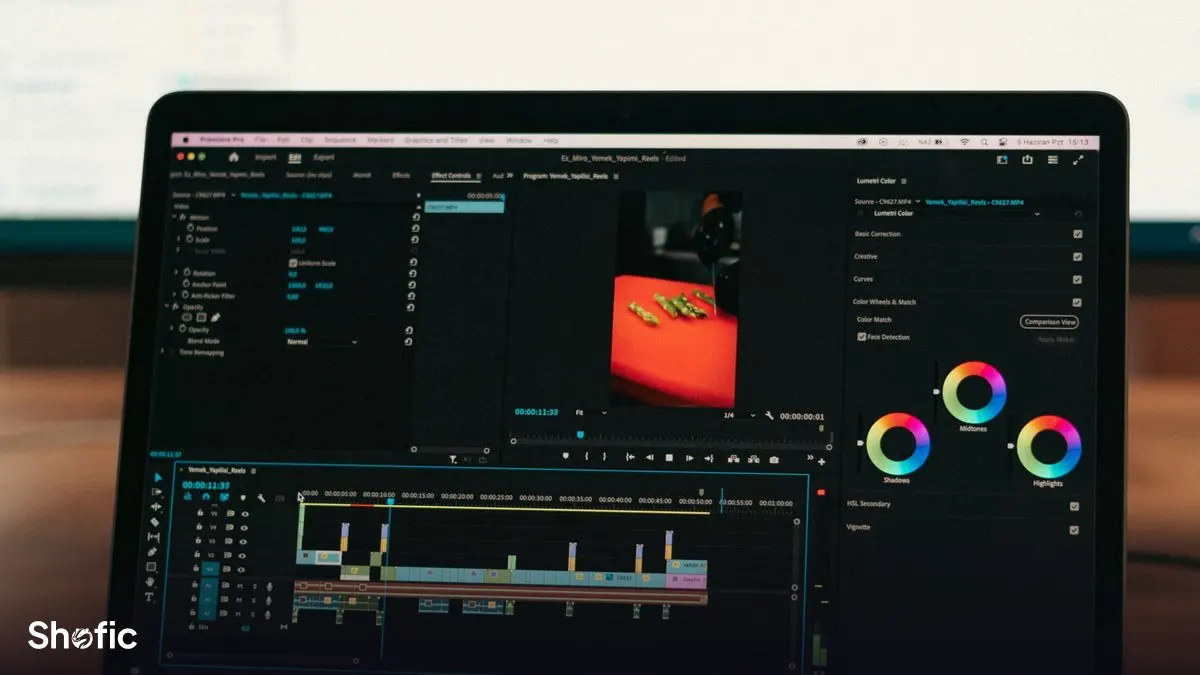
Edit for the viewer with a thumb on the screen, not the one politely watching. Practical rules that show up in retention graphs: remove every breath and dead second between sentences; change something visual every 5–10 seconds (angle, zoom, b-roll, on-screen text); and drop a pattern interrupt — a sound cue, a hard cut, a question — right before the minutes where you know attention sags. None of this means MrBeast-style chaos; a calm educational channel can hold 60% retention with nothing but tight cuts and purposeful pacing.
A useful drill: export your script, cut 20% of the words, and record again. Almost every first draft carries a fifth of filler — and filler is where viewers leave.
Chapters and open loops
Chapters look like they invite skipping, but analytics say the opposite: viewers who can see the structure commit to more of it, and Arabic-speaking audiences in particular show heavy chapter use. Name chapters as payoffs ("The mistake that costs most channels") rather than labels ("Part 2"), so the chapter bar itself becomes a chain of promises.
Open loops do the pulling between chapters. Announce early that something is coming — "the third method is the one I actually use, but the first two explain why" — and the viewer now has a reason to cross the middle of the video, exactly where most graphs slump. One or two loops per video is enough; stack five and it reads as manipulation, and viewers punish that with the back button.
Place your chapter markers where the retention graph tells you people leave, not at equal intervals. If viewers sag at minute four, that is exactly where the next chapter title should appear on the progress bar — a visible "next payoff" at the moment of doubt keeps a share of leavers in the video.
Reading the retention graph like an editor
Open any video’s retention graph in YouTube Studio and read three shapes. A cliff in the first 30 seconds: the thumbnail promise was not confirmed — fix your openings. A slow steady slope: normal, every video has it; compare against your channel average rather than panicking. A sharp dip mid-video: scrub to that timestamp and you will usually find a tangent, a sponsor read that runs long, or a lull before the payoff — cut or restructure it in your next video. Spikes matter too: a bump means viewers rewound to rewatch, which is a flashing sign saying "make more of this exact thing."
Do this review on your three most recent videos once a month. Patterns repeat: most creators discover they lose viewers at the same structural moment in every video, and one template change lifts the whole channel.
Compare like with like. Retention on a search-driven tutorial behaves differently from retention on a browse-driven entertainment video: tutorial viewers skip to the step they need and leave satisfied, which looks bad on the graph and is fine in reality. Segment your reviews by traffic source in Studio before deciding a format is broken.
| Graph shape | What it means | Your fix |
|---|---|---|
| Cliff before 0:30 | Opening didn’t confirm the click | Restate the promise, cut intros |
| Slow steady slope | Normal — every video has it | Compare to your channel average |
| Sharp mid-video dip | A tangent or long sponsor read | Cut or restructure that moment |
| A rewatch spike | Viewers rewound to see it again | Make more of that exact thing |
Session time: think beyond one video
The recommender measures the session you start, not just the video you made. A viewer who watches your video and then two more — yours or anyone’s — makes your video look like a good session-starter. Stack the deck toward yourself: end screens pointing at your most-watched related video, playlists ordered by narrative (not upload date), and series structures that make the next episode the obvious click. We cover the subscriber side of that loop in our YouTube subscribers guide, and the packaging fundamentals in the views guide for Arabic creators.
A note on shortcuts, since we sell some: a YouTube views package can give a strong video early momentum and social proof while it is fresh — but promotional views do not add the organic watch hours that monetization requires, and no view package fixes a video that cannot hold attention. Buy visibility for content that retains; fix retention first everywhere else.
A credible subscriber base supplies the early views that give each new upload its session-starting momentum.
View YouTube SubscribersFrequently asked questions
What is a good audience retention rate on YouTube?
As a rough compass: 50% average retention on a video over eight minutes is solid, and anything above 60% is excellent. But the honest benchmark is your own channel average — a video that beats your last five by ten points is a template worth repeating, whatever the absolute number.
Do longer videos get more watch time?
Only if they hold. A 15-minute video watched to 30% delivers more minutes than a 4-minute video watched to 70% — but stretch a 6-minute idea to 15 and retention collapses, taking recommendations with it. Let the content set the length, then earn every extra minute with structure.
Why does my retention drop in the first 30 seconds?
Because the opening did not confirm the thumbnail’s promise fast enough. Cut channel intros and logo animations, restate the promise in your first sentence, and show visual proof of the payoff immediately. Some early drop is normal — misclicks leave in seconds — but a cliff steeper than your channel average is an opening problem.
Do YouTube chapters hurt watch time?
In practice, no — they usually help. Viewers who see a clear structure commit to more of the video, and a viewer who skips to the chapter they need watches longer than one who leaves confused. Name chapters as payoffs, not labels, so the chapter bar reads like a chain of promises.
Do purchased views count toward YouTube watch hours for monetization?
No. Monetization thresholds require organic watch time, and promotional views do not count toward them — we state this on the service page itself. View packages are a visibility and social-proof tool for content that already retains; treat monetization eligibility as a separate, organic-only goal.
How do I find where viewers stop watching my videos?
Open the video in YouTube Studio, go to Analytics, then Engagement, and study the audience retention graph. Sharp mid-video dips mark tangents, long sponsor reads or pre-payoff lulls; scrub to each timestamp to see the cause. Review your three latest videos monthly — the leak is usually at the same structural moment every time.